Hotel guide
Hotel beverage recommendation software: what it is and how to evaluate it
Hotel beverage recommendation software helps a guest choose a drink from the property's own selections. Instead of reading a long list in every outlet, the guest answers a few quick questions and gets a short set of suggestions that fit where they are, what they enjoy and what they want to spend.
For hotel owners, general managers, F&B directors, beverage managers and hospitality executives at independent, boutique, resort and multiple-outlet properties.
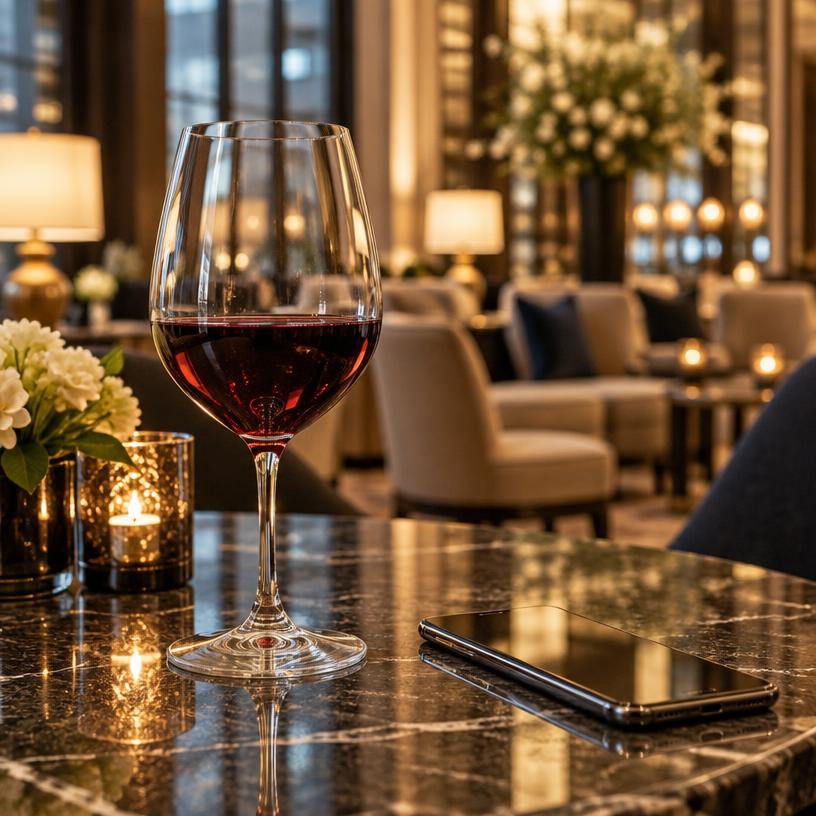
What does this kind of software actually do?
At its simplest, it turns a beverage list into a guided conversation. The guest scans a QR code, says what they are in the mood for and gets a few named suggestions with a short reason for each. The suggestions come from the drinks the hotel has configured, not from a generic catalog of products the bar may not stock.
The best tools behave like a well-briefed bartender handing over a short list: specific, quick, and honest about what fits. They are a decision aid for the guest and a support for staff, not a replacement for hospitality.
Why hotels look at it
Hotels often run several beverage moments at once: a restaurant wine list, a bar cocktail menu, a lobby coffee program, a pool menu, breakfast coffee and tea, and in-room selections. Each has its own list and its own staff, and guests rarely see the full program.
A guest who is unsure what to order may default to something familiar or skip the drink entirely. Clear, personal guidance at that moment helps the guest decide, and helps the property show more of what it has worked to build.
How a typical guest flow works
- The guest scans one QR code placed in a room, on a table, at the bar or by the pool.
- They pick where they are: restaurant, bar, lobby, pool, breakfast or in-room.
- They choose a drink type, such as wine, cocktails, beer, coffee or tea.
- They answer a few short taste questions and can set a budget.
- They see a small set of picks from that area's selections, each with a plain-language reason.
- They can order, save the pick or share a branded card of the moment.
Buyer checklist: questions to ask any vendor
- Does it only recommend drinks we actually carry, by outlet?
- Can one QR serve every outlet, or do we need a code per area?
- Does it cover more than wine: cocktails, spirits, beer, coffee, tea and non-alcoholic options?
- Do guests need to download an app or create an account to get a recommendation?
- How are prices shown, and can a guest set a budget that is never exceeded?
- Who keeps the beverage list current, and how long does a change take?
- What happens when fewer than three drinks fit the guest's answers?
- Which integrations are live today, and which are only planned? Ask for specifics.
- What guest information is stored, and who owns it?
- What does a pilot look like, and how will we review it?
How to evaluate it at your property
Start small. Pick one or two outlets where guests hesitate the most, often the restaurant wine list and the bar. Load the real selections, place QR codes where decisions happen and brief the team on what guests will see.
Review it like any service change: walk through the flow yourself on a phone, ask staff what guests say, and look at which categories and areas guests explore. Expand to the pool, lobby, breakfast and in-room only once the first outlets feel right.
Limitations to keep in mind
Recommendation software is only as good as the beverage information behind it. If the list is out of date, guests will be pointed at drinks that are not available. It also does not replace a server or sommelier; it gives guests a confident starting point for a conversation.
Be cautious of any vendor promising a specific revenue lift before a pilot at your property. Results depend on placement, staff, guests and the program itself.
Frequently asked questions
- Is it only for wine? No. A hotel flow can cover wine, beer, cocktails and spirits, coffee and tea.
- Do guests need an app? With Pair It & Share It, no. Guests scan and use their phone's browser.
- Does Pair It & Share It connect to our POS or PMS? Not today. The experience is configured around your beverage selections separately.
- Where is Pair It & Share It today? The product is built and pilot-tested, and is now expanding into hotels.