Restaurant guide
QR wine pairing for restaurants
QR wine pairing connects a physical moment in the restaurant to a focused mobile recommendation. The code is only the doorway; the value comes from what happens after the scan: a fast browser experience, a relevant beverage choice, and a clear path back to the server.
For restaurant operators comparing table QR codes, menu links, check-presenter codes, and beverage recommendation tools.
What is QR wine pairing?
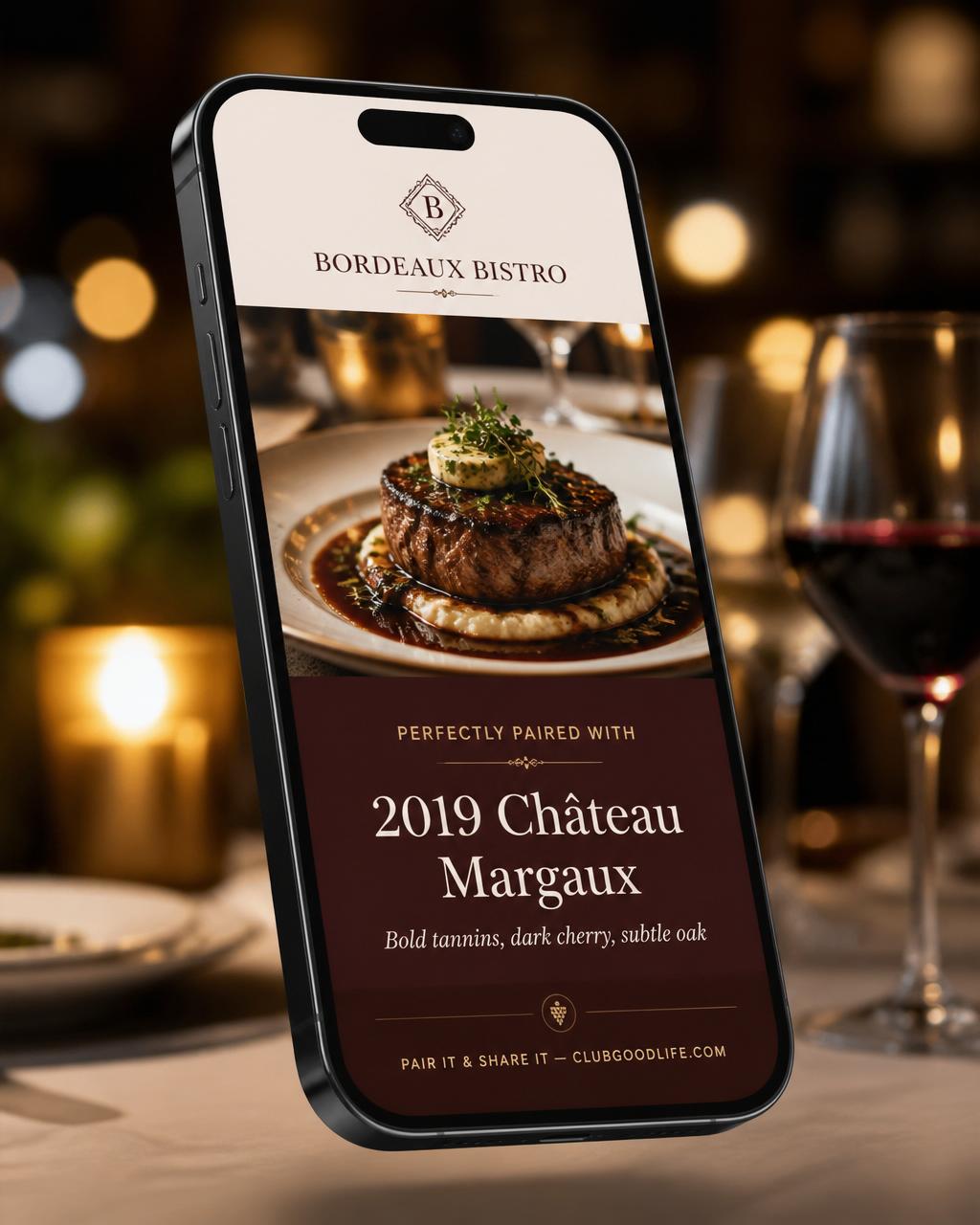
QR wine pairing lets a guest scan a code and receive guided wine suggestions based on food and preferences. Unlike a static QR menu, the experience asks for context before presenting a recommendation.
The strongest version is tied to the restaurant experience. It helps the guest move from “I might order wine” to a specific option they can discuss with the server.
Where can a restaurant place the QR code?
Placement should match the decision. A code meant to help with dinner belongs where the guest is considering food and drinks—not hidden in unrelated promotional material.
- On a food or beverage menu near pairing language
- On a table tent or small tabletop card
- Inside a check presenter for a return visit or sharing moment
- At the bar for drink-first discovery
- On a host stand or event sign when the experience is relevant there
What is the guest path from scan to recommendation?
- Scan the code and open the restaurant-branded page.
- Choose whether to start with food or a drink category.
- Answer a short set of relevant preference questions.
- Review the recommended beverage and the reason it fits.
- Ask the server for the selection.
- Optionally share a branded pairing or dinner card.
Why does a no-app browser flow matter?
A restaurant visit is a short, immediate context. Requiring a download, registration, or password before offering help adds steps before the guest receives value. A mobile browser flow lets the code open directly into the experience.
The page still needs to be readable, fast, and easy to tap on a phone. QR access does not excuse a crowded interface or a long questionnaire.
What should the recommendation use?
At minimum, the recommendation should use the guest’s selected dish or beverage direction and the restaurant’s configured choices. Additional questions should earn their place by changing the recommendation in a useful way.
The result should name the selection and explain the fit in plain language. Staff should be able to recognize what the guest sees and continue the conversation.
How can branded share cards extend the moment?
After the recommendation or meal, a guest can create a branded card that connects the photo or pairing to the restaurant. Pair It & Share It supports sharing through the phone’s available social, text, and email options. Sharing remains optional; the recommendation must stand on its own first.
Questions to ask before launching QR pairing
- Which exact guest decision should this code help with?
- Where will guests see it at that moment?
- Which menu and beverage information will be configured?
- Who reviews recommendation wording and availability?
- What should a server do when a guest shows the result?
- How will the restaurant update the experience when the menu changes?