Restaurant buyer's guide
Restaurant wine pairing software: how to compare your options
Restaurants that want guests to order wine with more confidence usually choose between four approaches: improving the printed list, moving the list to a QR digital menu, adding a recommendation layer built from the restaurant's own menu, or connecting a tool to the point-of-sale system. Each solves a different problem. This guide compares them by what they actually do for a guest at the table, what they ask of your team, and where Pair It & Share It fits.
For restaurant owners, general managers, beverage and wine directors, and sommeliers evaluating guest-facing wine pairing tools. It compares categories of tools, not named vendors.
Product overview: Pair It & Share It for Restaurants · Companion guide: AI wine pairing for restaurants
What problem are you trying to solve?
Start with the guest moment, not the software. A guest who already knows what they want needs a clear, readable list. A guest who wants wine but is unsure which bottle goes with their dish needs a recommendation. A restaurant that changes its list often needs a format that is easy to keep current.
Most comparison mistakes come from buying a tool for one of these problems and expecting it to solve another. A digital menu makes a list easier to update; it does not, by itself, tell a guest which wine suits the short rib.
The four approaches side by side
| Approach | What the guest gets | What your team maintains | Main limit |
|---|---|---|---|
| Printed wine list | Every option, in your words, at the table | Reprinting when bottles or prices change | No help choosing unless staff step in |
| QR digital menu | The list on their phone, easier to search | Keeping the online list current | Usually a list, not a recommendation |
| Menu-based pairing recommendations | A short, explained pick for their dish and taste, from your list | The configured menu and drink list | Only as current as the menu you keep updated |
| POS-linked tools | Depends on the product; can reflect sold-out items | The integration, plus IT and vendor coordination | Setup effort; capabilities vary widely by POS and vendor |
Printed wine lists: still the baseline
A well-written list with clear groupings, honest descriptions and a few staff picks remains the foundation. It needs no technology and puts the whole selection in front of the guest.
Its limit is guidance. A guest can see every bottle but still not know which one fits their meal, and the moment of hesitation often ends with the familiar glass or no wine at all.
QR digital menus: easier to update, not a pairing engine
Moving the list to a QR menu makes updates faster and lets guests browse on their own phone. Many restaurants already have one.
Check whether the tool only displays the list or actually helps a guest decide. A searchable list is useful; it is not the same as a recommendation for a specific dish and preference.
Menu-based pairing recommendations: guidance from your own list
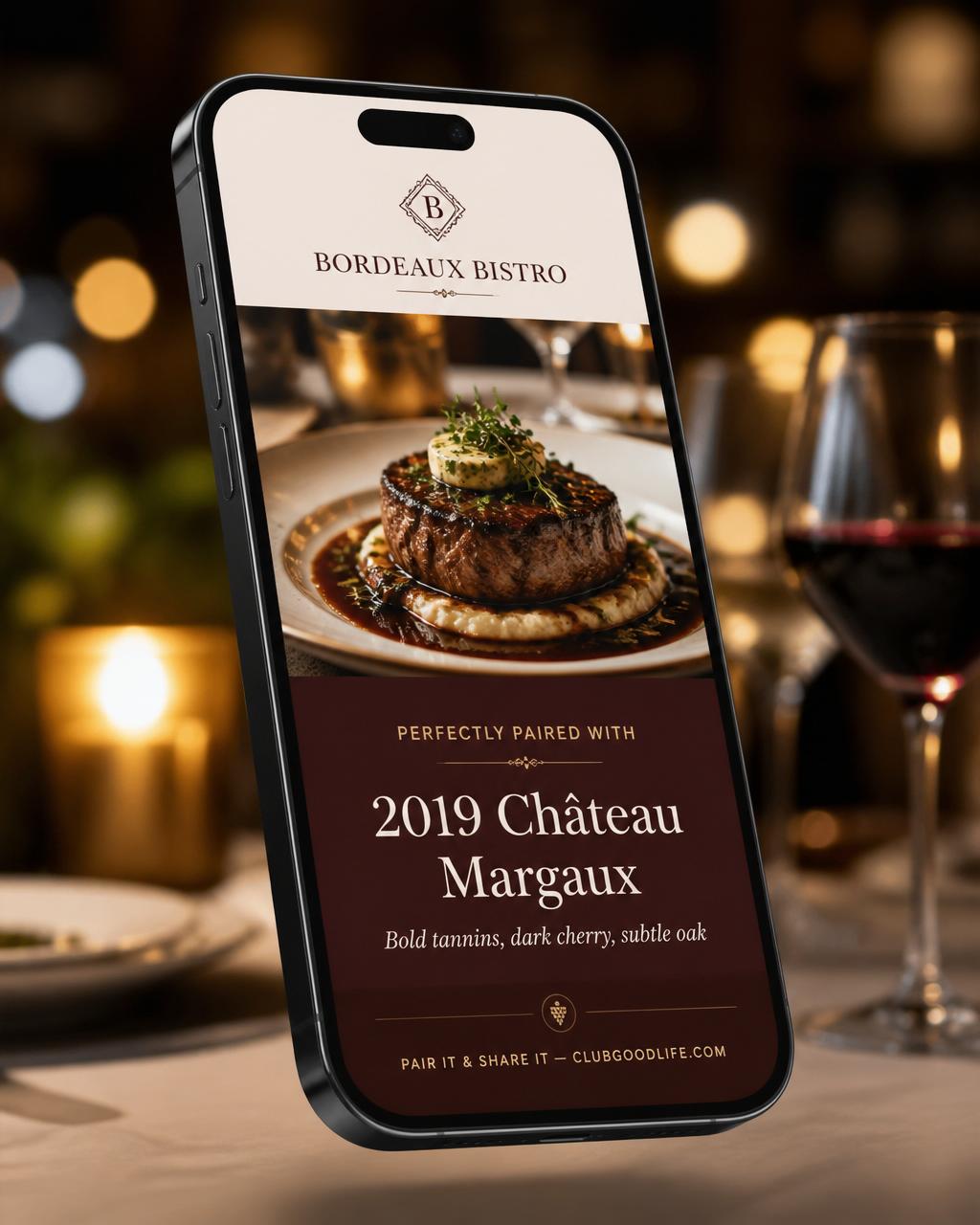
This category adds a short guided step: the guest says what they are eating and what they like, and the experience suggests a few drinks from the restaurant's configured list with a plain-language reason. The recommendation is something the guest can ask the server for.
Pair It & Share It works this way. Guests scan a QR code and use it in the phone browser, with no app or account needed for recommendations. Picks come from the wine, beer, cocktail and spirits list the restaurant provides, and guests can share a restaurant-branded card afterward if they choose.
What it does not do: it does not connect to your POS today and does not track live stock. Your team keeps the configured menu and availability current, the same way you keep a menu current.
POS-linked tools: when live data matters
Some restaurants want a guest-facing tool to know what is sold out the moment it is rung in. That usually requires a POS integration, which adds IT work, vendor approval and ongoing maintenance, and what is possible depends on the specific POS.
If live availability is a hard requirement, ask any vendor to show it working on your POS rather than describing it. If it is not a hard requirement, a menu-based tool with a disciplined update routine may be enough to start.
Questions to ask any vendor
- Are recommendations drawn from our list, or from a general wine database?
- Can a guest use it in under a minute on a phone without downloading anything?
- Can our beverage director review how wines are described and recommended?
- How do we mark a wine as unavailable, and how quickly does that show for guests?
- Does it cover the drinks we actually sell (wine, beer, cocktails, spirits)?
- Is there a POS integration, and is it live on our POS today or still planned?
- What happens to guest data? Is an account required to see recommendations?
- Can we try a demo before committing, and is pricing month to month?
Where staff and sommeliers fit
None of these tools replace hospitality. The best result is a guest who arrives at a conversation with a specific question, and a server or sommelier who confirms, adjusts and pours. Choose a tool that makes that handoff easy, not one that tries to remove it.
Next steps
Try the sample restaurant demo to see the guest flow from scan to pick, review restaurant plans and pricing on the Restaurants page, or book a 30-minute walkthrough to talk through your list and setup.